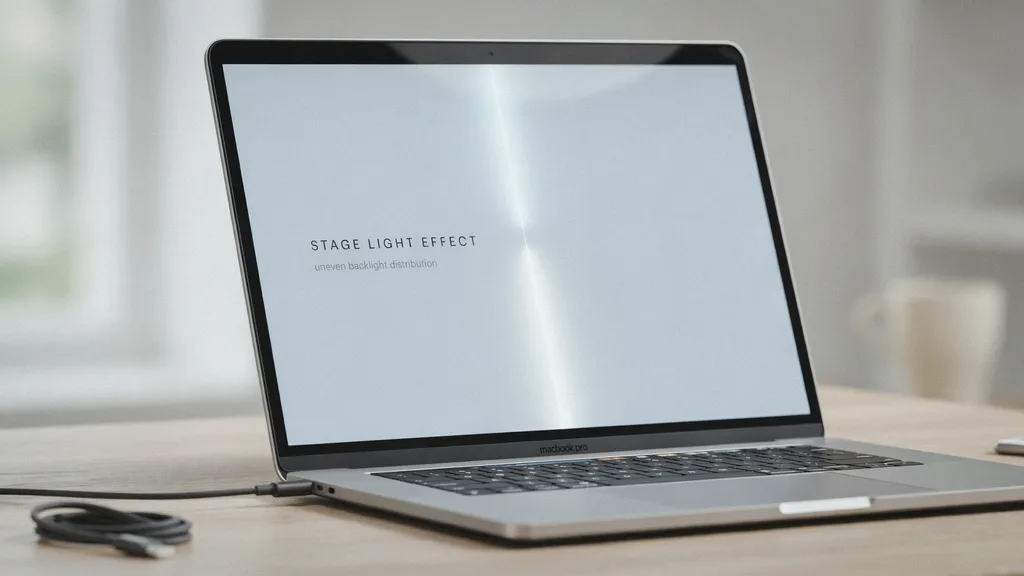
Have you ever opened your laptop and noticed strange bright spots at the bottom of your screen? It looks a bit like theatrical spotlights shining up from a theater floor. Many people search for information regarding a Stage Light Effect Macbook when their display starts acting up. This strange visual quirk can be very worrying. When you spend a lot of money on a sleek laptop, you expect the picture to look clean, crisp, and completely even from top to bottom.
Instead, you might see uneven brightness or glowing vertical columns near the taskbar. This problem is not just a weird software bug that goes away with a simple restart. It is actually tied to the physical build of certain laptop generations. Knowing why it happens helps you figure out the best next steps. In this guide, we will break down the root causes, what symptoms to look for, and how you can handle this frustrating screen trouble without losing your peace of mind.
What Is the MacBook Stage Light Problem?
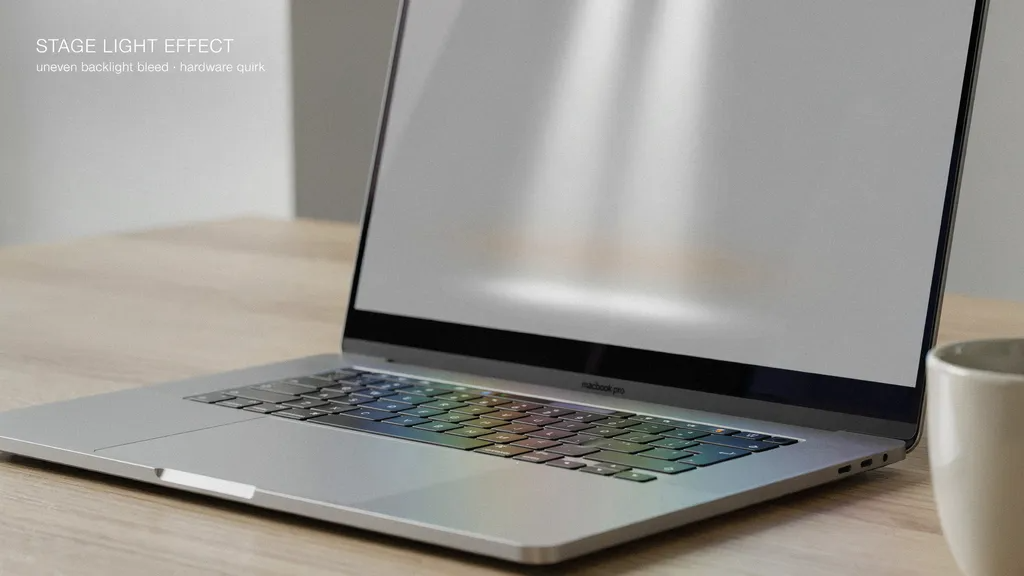
The issue known widely as the stage light effect macbook creates an uneven glow at the bottom edge of the display. Think of it like a row of tiny lamps shining upward. The center might look bright, while the bottom corners look dark or washed out. This happens most often on white or light-colored background screens. If you use a dark desktop wallpaper, you might not even notice it right away.
Over time, this visual flaw can get worse. Some users notice that the bottom bright spots grow larger as they tilt the screen backward. It turns a normal typing session into a distracting experience. Understanding this odd behavior is the first step toward finding a realistic solution for your daily work or school tasks.
Which Laptop Models Face This Issue?
Not every Apple laptop suffers from this exact display trouble. The stage light effect macbook primarily affects specific Pro models released between 2016 and 2018. During those years, laptop makers tried to make computers as thin and light as possible. That shift in design changed how internal parts fit inside the hinge.
If you own a 13-inch or 15-inch Pro model from that era, your device might be prone to this wear and tear. Newer models use updated layouts to prevent the same level of strain. However, older machines are still showing signs of age. Checking your exact laptop release year helps you understand if your screen is at risk for this hardware quirk.
The Core Cause: Flexible Ribbon Cables
To understand the stage light effect macbook, we have to look inside the hinge. Laptops use ultra-thin flat cables to connect the screen to the internal computer board. These delicate wires carry power to the backlight. Every time you open and close your lid, those cables bend back and forth.
In those specific older models, the cables were wrapped tightly over the board and made just a bit too short. Constant movement creates physical fatigue. Eventually, the tiny wires inside start to wear out or tear. When the backlight cable loses its proper connection, the light stops spreading evenly across your panel, creating that famous bottom glow.
Common Symptoms Beyond the Glow
The stage light effect macbook rarely stays the exact same forever. It usually starts as a minor cosmetic annoyance at the bottom edge. Soon, you might notice other strange behaviors as you adjust your screen angle. For instance, opening the lid past a certain point might cause the entire backlight to shut off completely.
If your screen goes dark, you can test it by shining a bright flashlight at the glass. You will likely still see your desktop icons and windows faintly beneath. This proves the computer is running fine, but the panel lights are failing. Catching these secondary symptoms early helps you plan your repair options before the display stops working entirely.
Why Software Resets Do Not Help
Many users try to fix a stage light effect macbook by tweaking software settings. They might reset the system management controller, update their operating system, or change color profiles. Unfortunately, none of these digital tricks will solve the problem.
Because the root cause is a physical break inside a tiny copper wire, code cannot heal hardware. No brightness slider or factory reset can restore a severed connection. Knowing this saves you hours of wasted time trying to troubleshoot drivers or system preferences that are completely healthy.
Temporary Workarounds and DIY Limits
If you are dealing with a stage light effect macbook and cannot afford an immediate repair, you can try a few temporary tricks. Some users find that keeping the laptop at a narrower viewing angle prevents the backlight from cutting out completely. Others plug in an external desktop monitor to get their work done safely.
Attempting a fix at home is usually discouraged. The display cables are fused directly into the modern screen assembly. Opening the chassis requires extreme precision, and one small slip can turn a minor display flaw into a completely broken machine. It is safer to leave physical disassembly to trained professionals.
Professional Repair Options and Costs
Fixing a stage light effect macbook usually requires replacing the entire screen unit. Because the cable is built right into the panel, technicians cannot simply swap out one single wire. This makes the repair process a bit more costly than a simple battery swap.
You can take your device to an official service provider or an independent repair shop. Independent technicians sometimes offer component-level repairs that lower the overall price. Always ask for a clear diagnostic quote before approving any work so you can weigh the repair cost against the current value of your laptop.
How to Prevent Future Display Wear
Preventing a future stage light effect macbook comes down to how you handle your hardware daily. Try not to open and close your laptop lid with excessive force or snap it shut too quickly. When adjusting your screen angle, move it smoothly and gently to minimize stress on the internal hinge.
If you travel frequently, protect your device in a padded sleeve to absorb shocks. While modern laptop designs continue to improve, treating your screen hinge with care helps extend the active lifespan of those fragile internal ribbon cables.

Complete Detailing Overview Table
| Feature / Aspect | Details & Specifications |
| Primary Issue | Uneven bottom screen brightness (Stage light effect) |
| Common Terms | Flexgate, backlight ribbon failure, display cable fatigue |
| Affected Models | Select MacBook Pro units (primarily 13-inch and 15-inch versions from 2016–2018) |
| Root Cause | Physical wear on short, tightly wrapped internal display flex cables |
| Software Fixable? | No; software updates or resets cannot fix physical hardware breaks |
| Standard Remedy | Full display assembly or screen component replacement |
Frequently Asked Questions
1. What exactly causes the stage light effect on a MacBook?
The problem is caused by physical wear and tear on an ultra-thin ribbon cable that connects the display to the logic board. Opening and closing the lid stresses these wires until they fray.
2. Can a software update fix my uneven screen brightness?
No, software updates cannot resolve this issue. It is strictly a hardware defect involving a damaged internal cable.
3. Will plugging in an external monitor help me work around it?
Yes, connecting an external monitor allows you to use your computer normally even if your laptop’s built-in panel has a failing backlight.
4. Do I need to replace the whole screen to fix this?
In most cases, yes. Because the cable is fused into the display assembly, technicians typically replace the entire screen unit.
5. Are newer MacBook models still affected by this design flaw?
Apple lengthened the cables in later generations to reduce tension, making newer models much less vulnerable to this specific type of wear.
6. Is it safe to try fixing the display cable myself?
It is not recommended. Disassembling a modern laptop screen requires specialized tools and expert skill, and a small mistake can ruin your device.
Conclusion
Dealing with display issues on an expensive computer can feel overwhelming, but understanding the root cause helps you take control. The stage light effect macbook is a well-documented hardware challenge tied to physical cable fatigue. By evaluating your repair choices or using external displays as a backup, you can keep your workflow moving forward. Take good care of your hardware, handle your screen hinge gently, and reach out to a trusted technician to get your device back into top shape.